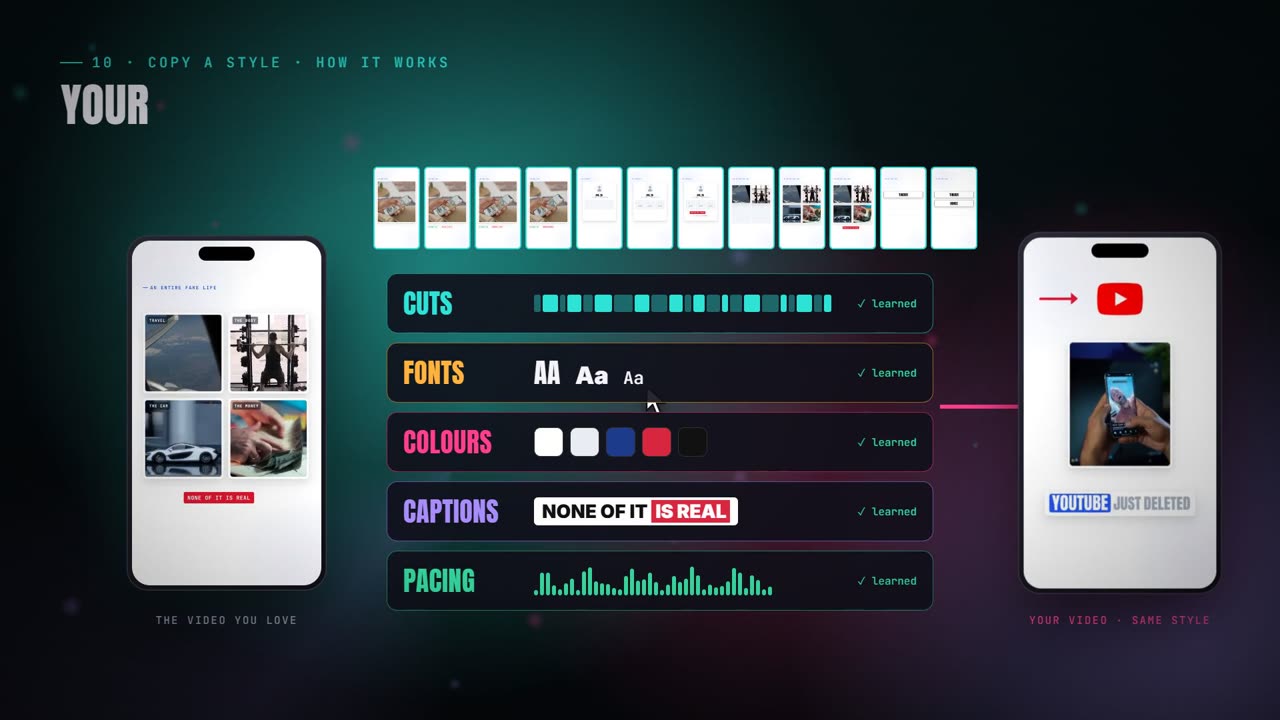
Copy the style of any video
Use a reference video you have permission to analyse. Study frames and scene changes, then save a preset for your own footage.
- Input
- A reference video
- Reads
- Cuts, fonts, colour, captions, pacing
- Output
- A reusable style
SC.00 SixCut Desktop · Windows and macOS
Edit on a timeline, ask for changes beside the preview and export an MP4 on your computer. The downloadable SixCut Desktop license is USD 12, paid once. Join the waitlist for launch access.
1
buyer per license
2
formats: 9:16 and 16:9
2
desktop platforms
2
built-in style presets
SC.01 The pipeline
Extract the ZIP once and launch Studio on your Windows PC or Mac.
Drop footage into the preview and arrange your clips on the timeline.
Trim clips, add titles or B-roll, or ask a connected AI assistant to apply a change.
Play a composed draft with your captions, music and effects. Undo a change or keep editing.
Render an MP4 in portrait or landscape. Your project stays on your computer for the next edit.
SC.02 Modules
Use a reference video you have permission to analyse. Study frames and scene changes, then save a preset for your own footage.
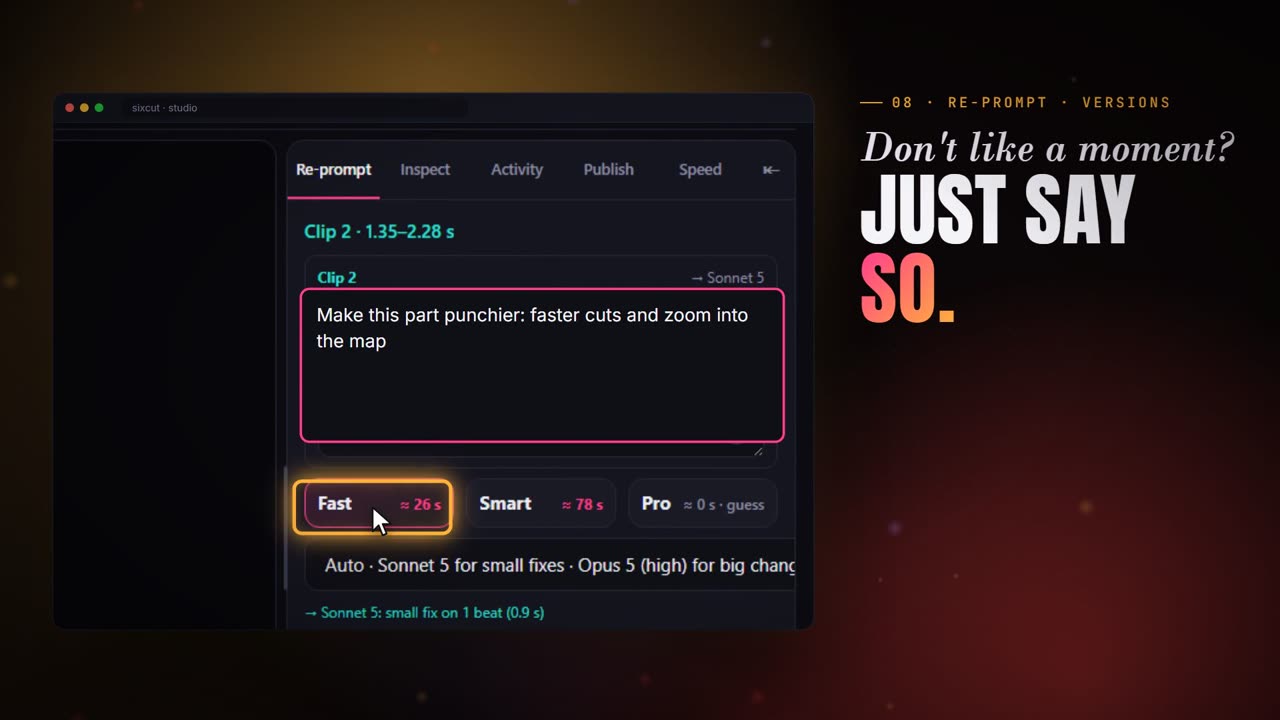
Point at a clip and say what's wrong: "faster cuts here", "zoom into the map". It fixes that part and leaves the rest alone.
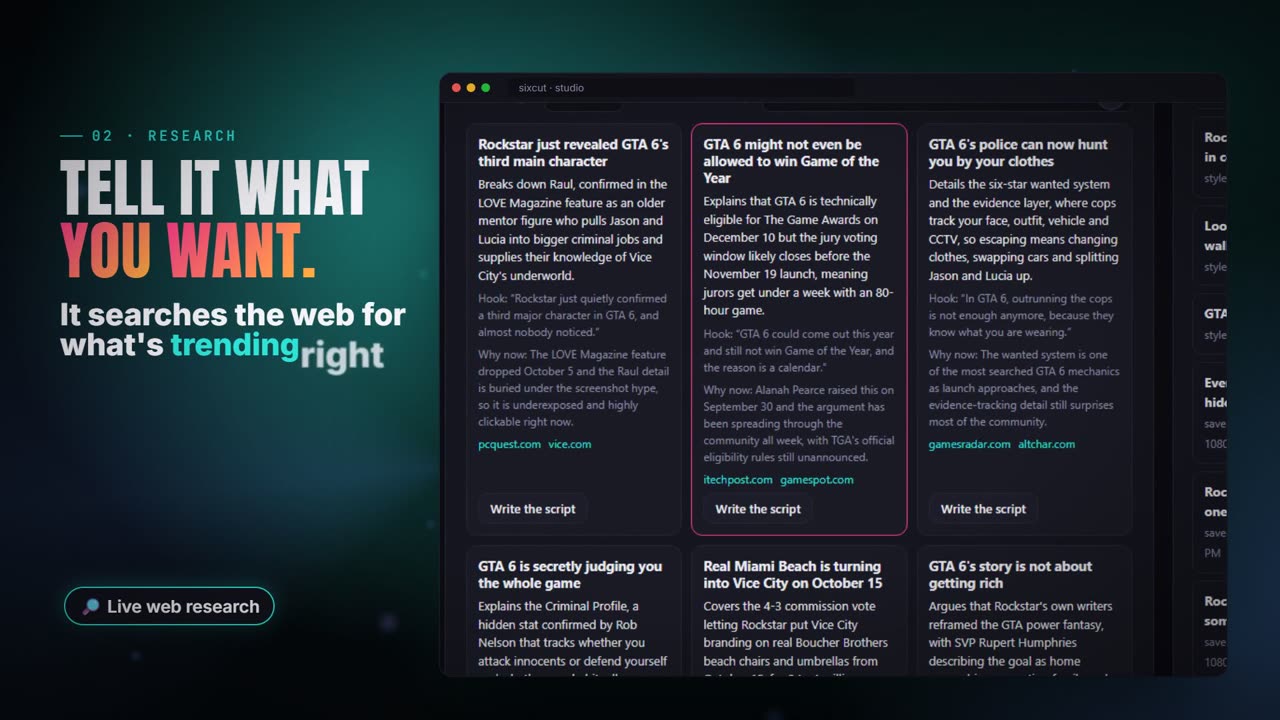
Collect source links for a topic and use them to prepare your script. Review the claims and sources before recording or publishing.
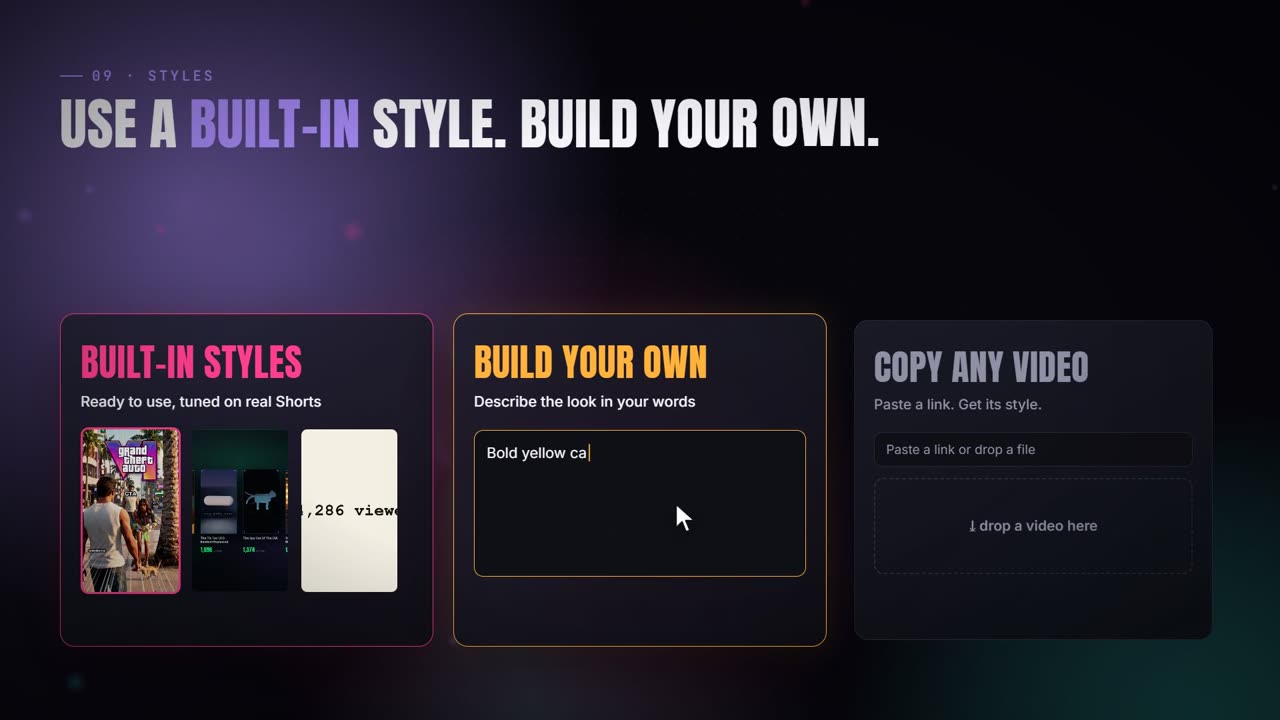
Start with a built-in style. Save the settings and notes you want to use again on your next project.
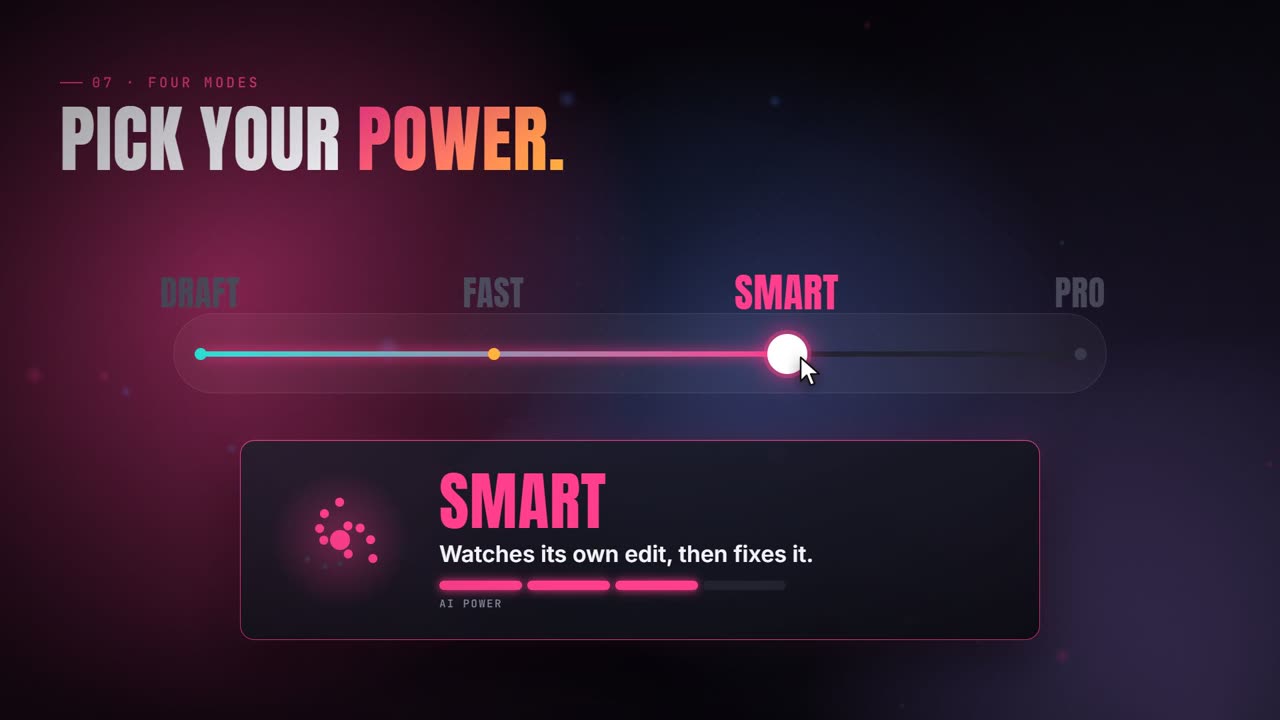
Check a smaller preview while you edit. Render the final MP4 in portrait or landscape when you are ready.
SC.03 Why join now
ACCESS PASS · SEASON 1
First-day
supporter
No. ● ● ● ● · Issued when you join
Pricing
$12USD · one-time payment
One buyer can install and customise the editor on computers they control and sell finished videos to clients.
The waitlist is open. When sales open, buyers will receive the editor as a ZIP after payment. License terms · 14-day refund policy
Join the launch waitlistSC.05 Questions
Soon. We let people in by email, in line order. You'll hear from us the day your spot opens.
USD 12 buys one SixCut Desktop license in a single payment. Joining the waitlist is free. Optional third-party services bill you under their own terms.
A ZIP with the editor, timeline, renderer, starter styles and setup instructions. Extract it once and use the included launcher on Windows or macOS.
You can import, edit, preview and render locally. For chat-assisted edits, connect the official local Codex or Claude Code client using your own eligible account.
Use a clip you shot, stock footage you’ve licensed, or footage you have permission to download and reuse from a link. Pick the part that fits your edit.
Yes. The single-buyer license covers client videos. The proprietary editor, its supplied proprietary assets and modified copies are licensed to the buyer. See the terms for the redistribution rules.
Your place is when you joined, minus 5 places for every creator who joins with your invite link. You can check your place on this page any time.
Only one thing: contact you about SixCut. That means your place in line, launch day and your supporter price. Only your email is required; your name and phone number are optional. We also note your country and how you found us, to run the waitlist. We never share or sell your details, and we don't send spam. Reply "remove" to any email, or just ask, and we'll delete everything we have about you.
SC.06 Final cut
Join the waitlist. Only your email is required.
Join the waitlist for the desktop launch.
ACCESS PASS · FIRST-DAY SUPPORTER
No.0